Customer sites
Configure each workplace as a separate site with the most suitable clock-in method.
 TotemClock AIFREE
Employee time tracking for cleaning companies
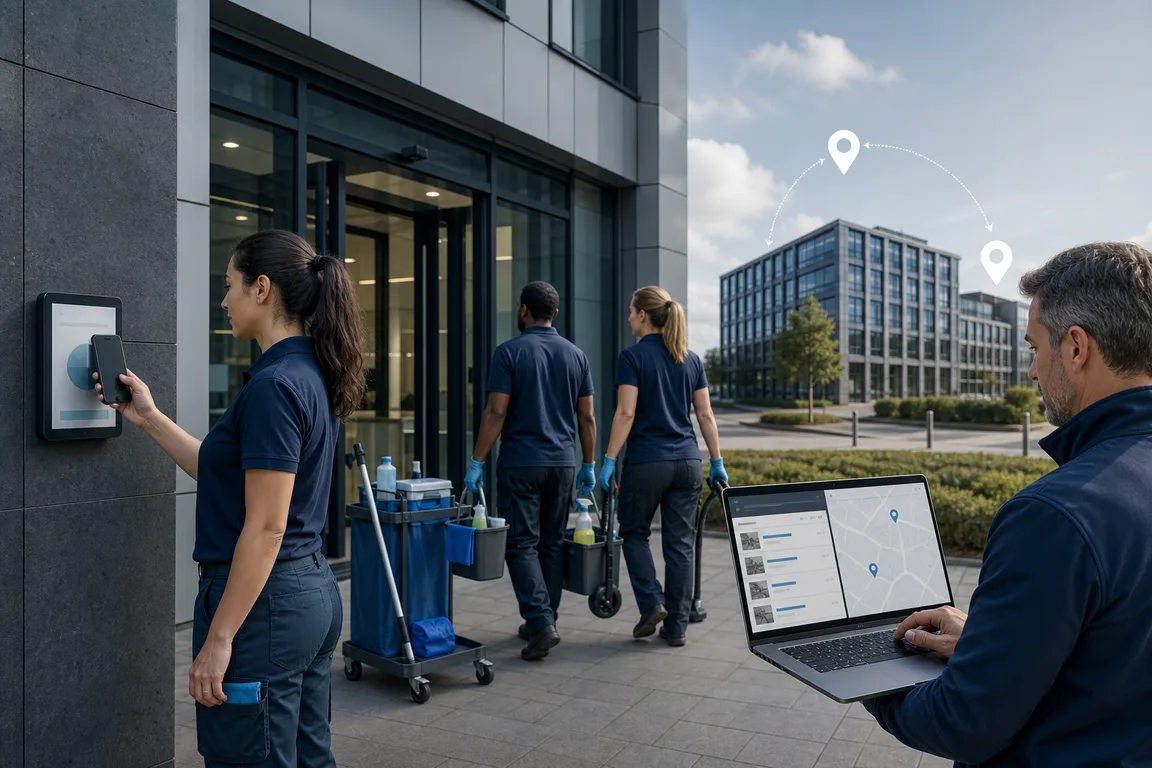
Organize cleaners moving between offices, buildings and contracts. Attendance records and timesheets can retain the customer, project and activity context.
TotemClock AI
Configure each workplace as a separate site with the most suitable clock-in method.
Connect kiosks and activities to the right customer so reported hours remain clear.
Give supervisors access to the teams and requests within their responsibility.
Configure a shared kiosk, personal phone, double QR or location verification according to each workplace.
Compare punches with assigned schedules and review the situations that need attention.
Review monthly records and export time cards and timesheets to CSV for the next administrative step.
Register serviced locations and the projects to report.
Import staff, expected hours and supervisors.
Use an on-site device or personal phone according to company rules.
They can use the site kiosk or a phone; each site configuration defines the required checks.
The kiosk context can associate activities with a customer and project while attendance remains a separate record.
No. You can use phones, tablets or computers already available.
No. The company decides for each site whether to use location verification and which radius to allow.
Manage shifts, clock-ins and time cards for kitchen, front-of-house and bar teams from a shared kiosk or phone.
→Attendance, schedules and time cards for one store or multiple locations using existing tablets, computers or phones.
→Clock-ins and project hours for construction sites using phones or a site kiosk with configurable verification.
→Clock-ins and timesheets for technicians, maintenance staff and mobile crews working at customer locations.
Organize cleaners moving between offices, buildings and contracts. Attendance records and timesheets can retain the customer, project and activity context.