Different starting points
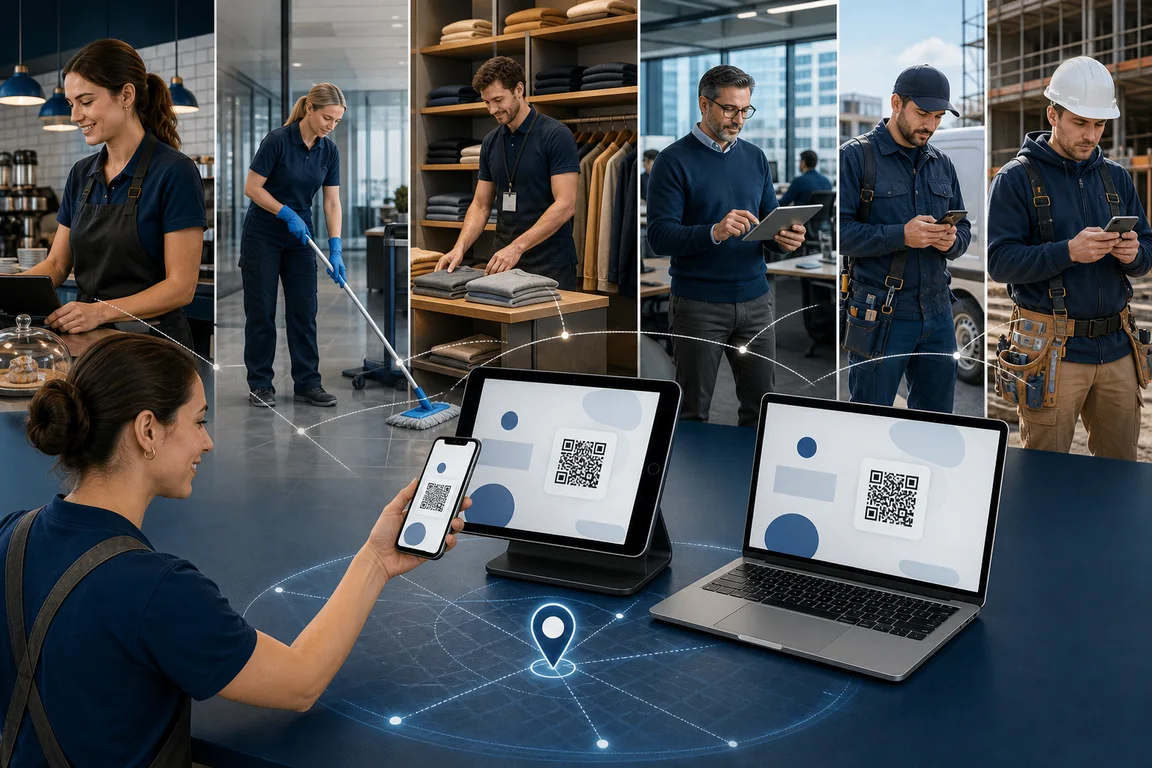
Allow personal-device clock-in with the checks selected by the company.
 TotemClock AIFREE
Time tracking for field teams
Organize technicians and mobile crews starting from different locations and working across customers, projects and activities.
TotemClock AI
Allow personal-device clock-in with the checks selected by the company.
Connect the operating context to a customer, project and activity for timesheets.
Roles and reporting lines keep teams, requests and reviews separated.
Configure a shared kiosk, personal phone, double QR or location verification according to each workplace.
Compare punches with assigned schedules and review the situations that need attention.
Review monthly records and export time cards and timesheets to CSV for the next administrative step.
Create staff, projects and recurring activities.
Choose sites, schedules and checks suitable for field work.
Compare attendance and reported project hours before export.
Yes, when the company enables personal devices and configures the required checks.
No. The time card records attendance; the timesheet attributes hours to customers, projects and activities.
No. You can use phones, tablets or computers already available.
No. The company decides for each site whether to use location verification and which radius to allow.
Clock-ins, time cards and timesheets for cleaners working across customer sites, without dedicated badge readers.
→Manage shifts, clock-ins and time cards for kitchen, front-of-house and bar teams from a shared kiosk or phone.
→Attendance, schedules and time cards for one store or multiple locations using existing tablets, computers or phones.
→Clock-ins and project hours for construction sites using phones or a site kiosk with configurable verification.
Organize technicians and mobile crews starting from different locations and working across customers, projects and activities.